I’ve been working on my blog for a while, just looking at the oldest post date, it’s been going since 2009. There were some older blogs that I had, but they’ve all succombed to bitrot.
The current blog uses Jekyll to generate a static site that is hosted on AWS S3 behind CloudFront.
There’s a couple of things that are really missing (or were missing - by the time this is published they should be done!):
- Tagging of Articles
- Related Articles
In the past I made half hearted attempts to add tags to posts, and I often thought about adding lists of related posts, but inevitably new and more interesting things have come along and distracted me. It’s also very hard to keep this kind of thing up - it’s hard enough writing a blog let alone adding tags and related articles.
On the index page of the blog I’m showing a nice image along with an extract from each post. The extract has always iritated me as it’s just the first few lines of the post - which aren’t always suitable. When I write a new post I should realy write a proper summary, but I never do.
Now with AI tools, I can automated all the things.
Tagging Articles And Generating Summaries
This is really straight forward, we can read in the contents of each post and then just ask ChatGPT to generate a bunch of tags and extra content.
Here’s my super basic prompt:
The following is a blog post.

---
CONTENT GOES HERE
---

Output a json object with the following fields:

{
  "summary": "A short summary that will encourage the reader to click through and read the article",
  "tags": ["tag1", "tag2", "tag3"...],
  "seo_optimised_summary": "An SEO optimised summary that will help search engines index the post"
}

Avoid generic phrases like "Discover how..." or "Explore...". Make it exciting and interesting.
I added the last line after noticing that ChatGPT was generating some pretty boring summaries. Ideally, I’d have a few manually written summaries that I could use as part of the prompt to show it what I’m looking for, I’ll try that out another time. Maybe it’s easier to edit the generated ones to fine tune them and then feed them back in for another pass.
To process my posts, I have a simple script that loops though all the markdown files and reads the contents, splitting it into the front matter and the main content. The main content is passed into the prompt and then I write the results back into the front matter.
A post in Jekyll looks something like this:
---
image: /assets/article_images/2023-05-23/improving-the-blog.webp
layout: post
title: Improving My Blog Using AI
---
CONTENT GOES HERE
Everything between the --- is the front matter, and everything else is the main content. The front matter is used by Jekyll to generate the site, and the main content is the actual blog post. We can access anything in the front matter using the page variable in the template. So for example, to get the title of the post we can use Improving My Blog Using AI.
The nice thing about writing the tags and other content back into the front matter as it acts as a cache - so I can easily read the front matter, check to see if the tags are there, and if not, generate them. When I add new posts I can just run the script again and it will generate the tags and summary for the new posts.
You can see the results on the tags page. And hopefully if everything has worked you should see tags at the top and bottom of this post.
The prompt also generates the summary which we can now use in the main index page. I’ve also added a new field to the front matter called seo_optimised_summary - I’m not sure this is actually any good, but it felt like I might as well try and generate more content for the search engines to index.
Here’s a tag cloud weighted by the number of posts in each tag.
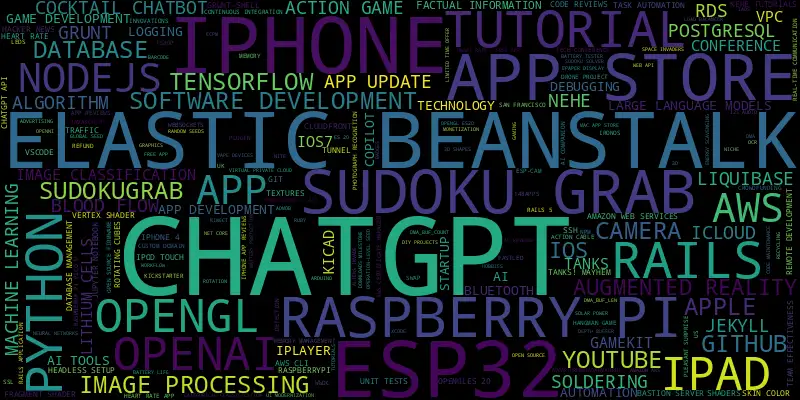
You can definitely see some of the topics that I’ve written about in the past. For a long time I was an iOS App developer - so we see a very large iPhone. And we can definitely see my recent interest in ChatGPT! There’s also a lot Raspberry Pi and ESP32 projects.
The tagging is by no means perfect - there are a lot of tags with only one article. I’m thinking about feeding the tags back into ChatGPT to consolidate them. That could be an interesting experiment. Maybe even feed all the summaries and the tags back in and ask it to retag everything. We’ll have to see if it will fit within the token limit.
Related Articles
This is even more fun. We’ve now got a nice short summary for each article. We can generate an embedding for this summary. This basically turns the text into a vector in a high dimensional space. For each article we can do a cosine similarity between the embedding of the current article and all the other articles. We can then threshold this score and show the top 5 related articles. There should be a related article section at the bottom of this post.
We could get more clever and take the contents of each post and generate embeddings for small sections and then match up them, but using the summary seems to work pretty well for my needs.
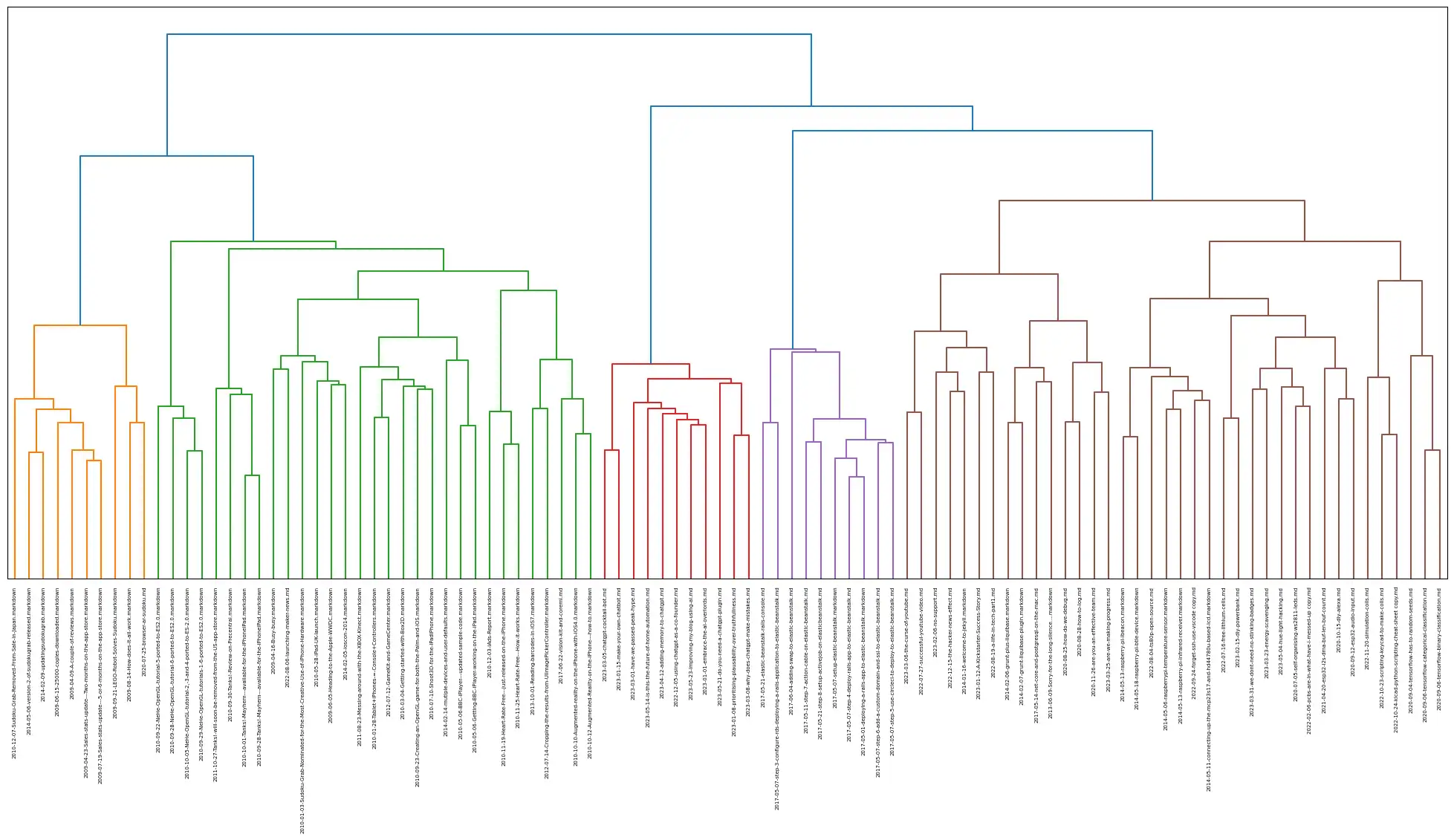
The embeddings generated by OpenAI are pretty large, but we can do some very cool visualisation using the results. Here’s a dendo-gram of all the posts on my blog. You can see some definite clusters of posts.
Images - Coming Soon
The images are also an annoyance. For more recent posts (particularly ones where I’ve create a corresponding video) I’ve simply used the YouTube thumbnail. For older posts I’m just using the standard site header image - this means that as you go back in time the images get more and more boring.
AI generated images in blog posts is a bit of a controversial subject. People either love them or hate them.
Unfortunately, at present, there’s no API for Midjourney and my attempts with DALLE-2 were pretty appalling. However there are some good ways to get decent prompts from ChatGPT with a bit of prompt engineering.
Here’s the prompt I’m using - I’ve not played around to much to improve it and just grabbed some examples of “good” Midjourney prompts from the web.
Create a prompt that can be fed into an AI image generator for the following blog post.

Some example of good prompts:
Exploded [subject] by Nychos
[Subject] as [subject]
[Intangible subject or concept]
[Subject], symmetrical, flat icon design
[Any emoji or combination of emojis]
Knolling [subject or scene]
16-bit [subject or scene]
[Subject or scene] made out of [material]

---
SUMMARY GOES HERE
---
We got some pretty interesting results.
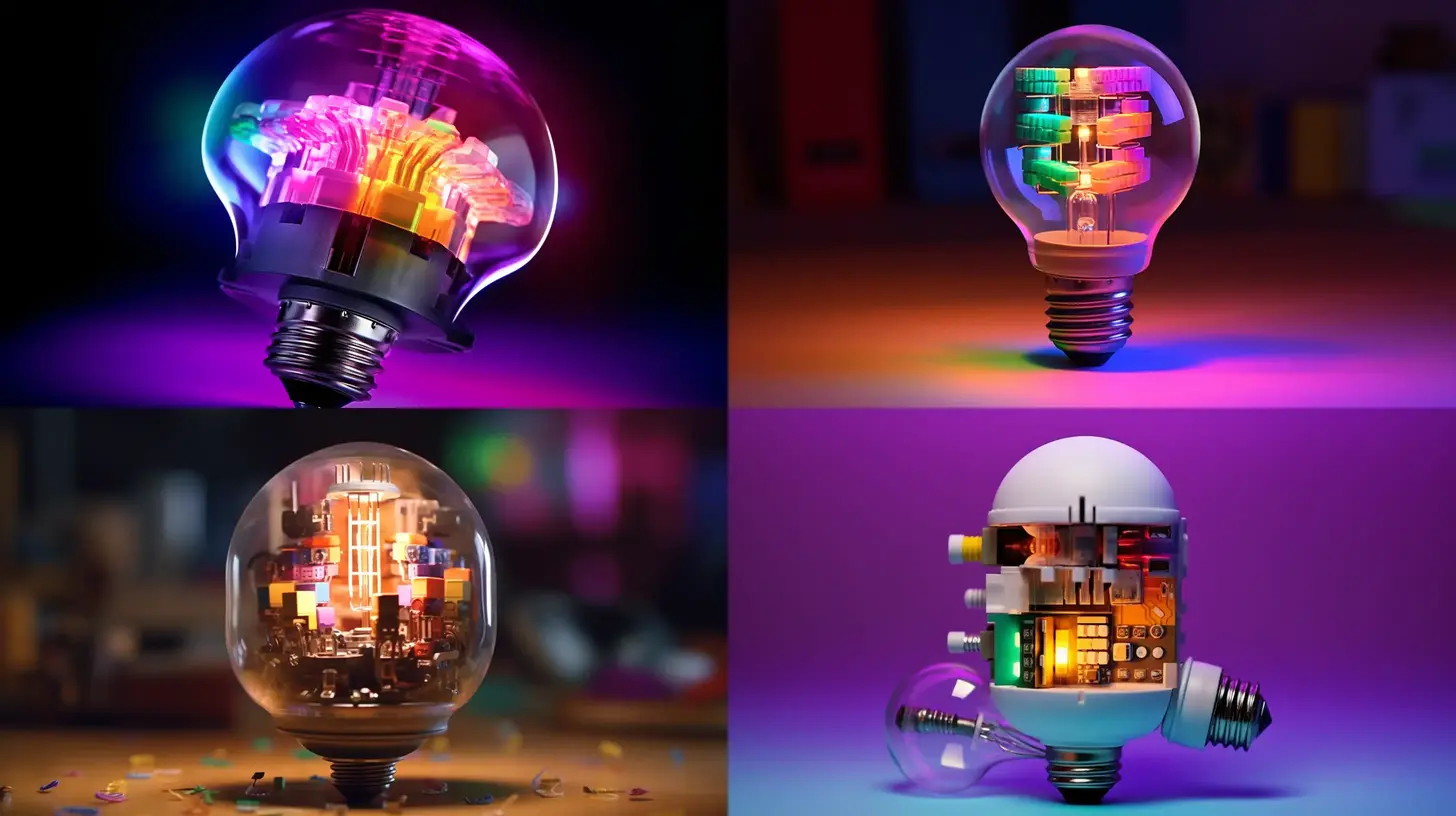
Here’s the prompt for the Hue Hacking Post: “Philips Hue Color light bulb disassembled and hacked, showcasing internal components”
Which gave this nice set of images from Midjourney:
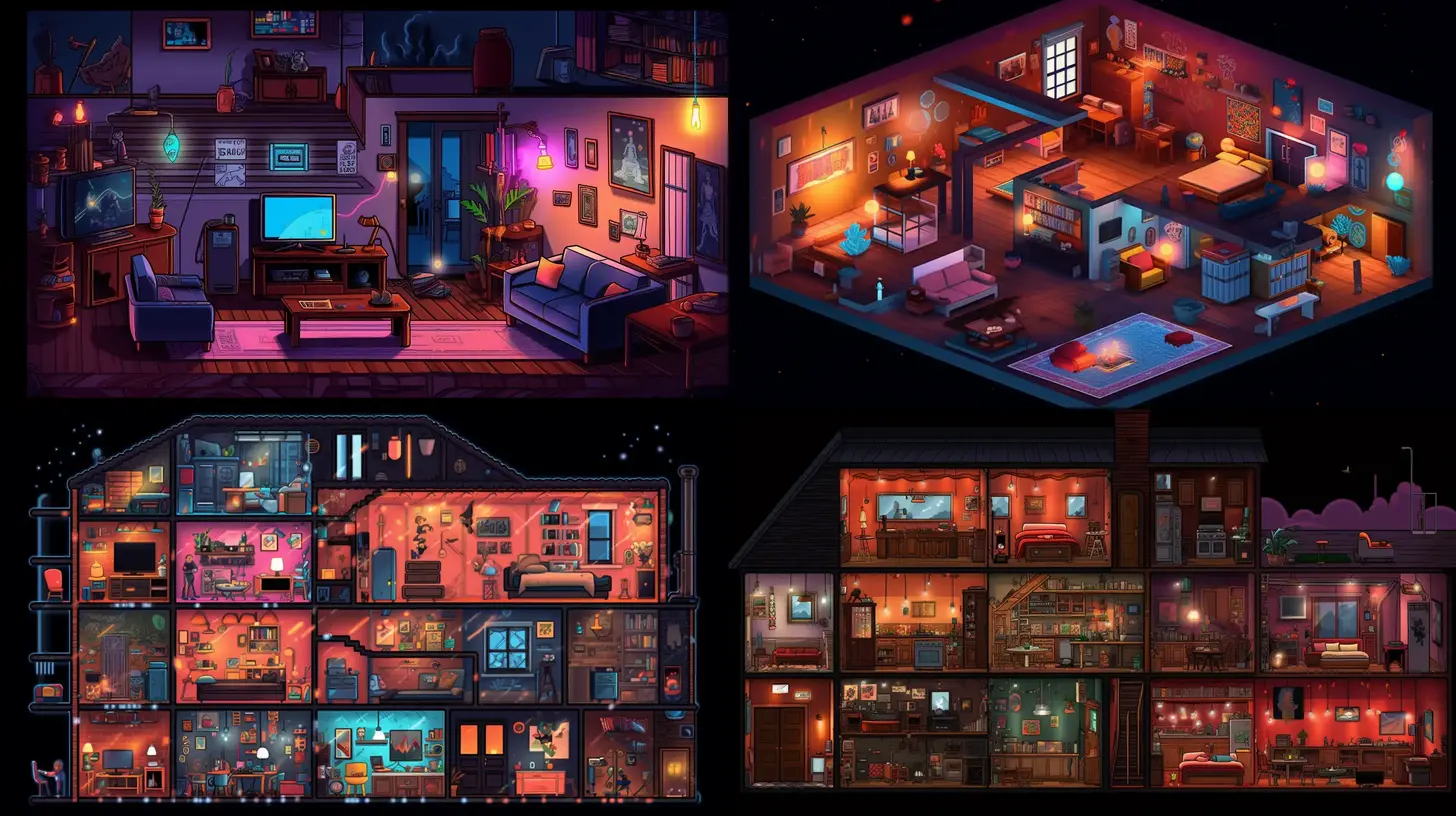
I was also realy impressed with the results for the ChatGPT Home Automation Post: Raspberry Pi controlling home automation with lights using ChatGPT, illustrated in a 16-bit technology scene”
It would be interesting to try and wire things up so that each image was turned back into text and then another model was asked to pick the most appropriate image for the post. Further work for another day!