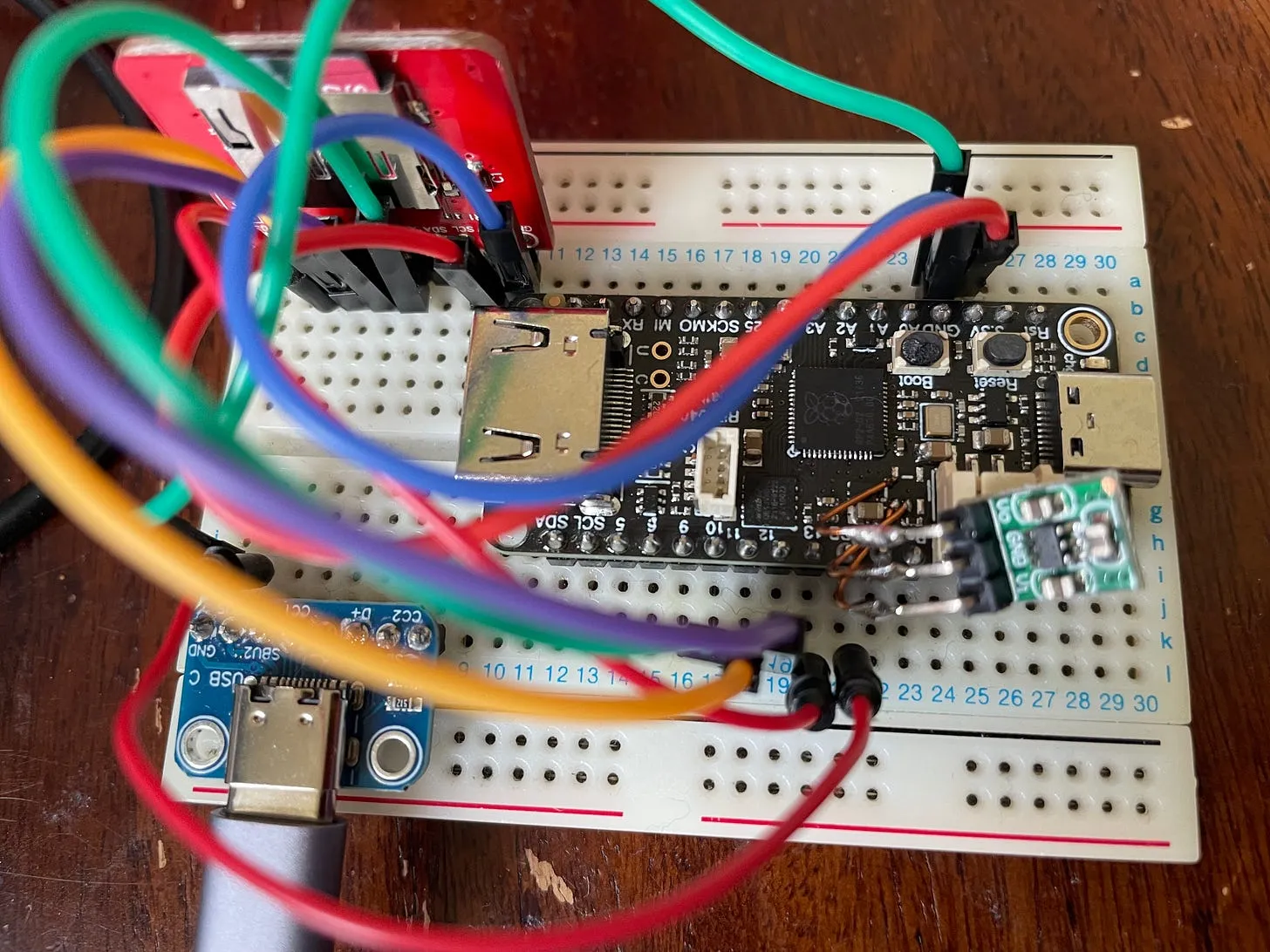
I’ve been playing around with DVI output from the RP2040 and I got one of these Feather DVI boards from Adafruit.
My intention was to get the pico-zxspectrum software running on it. Somewhat naively I just bought the first board that I found from googling RP2040 DVI - and unfortunately it wasn’t supported out of the box.
After a bit of hacking around and learning a bit about cmake, I was able to get it up and running.
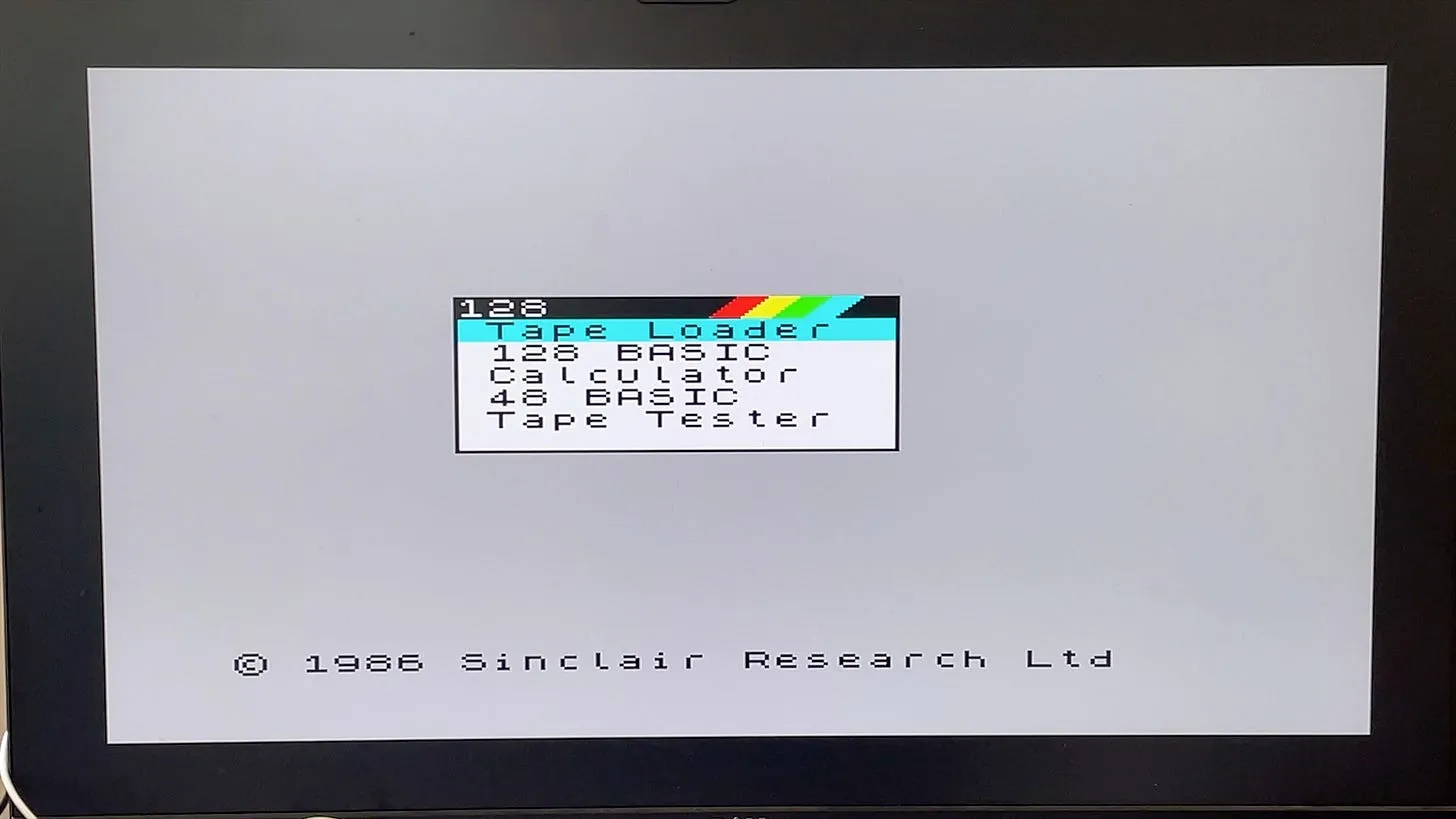
I had a handy USB-C friendly hub so the next step was to plugin in a USB keyboard. And this is where things started to go wrong.
The board started to behave very erratically, it would occasionally have a corrupt screen, and reboots with just freeze part way through booting. It was dreadful. Weirdly it seemed to be a lot better when the USB hub was not connected (I’ve since come to the conclusion that the USB hub may have been a red herring and I was actually driving things too hard with my chosen resolution).
But I persevered and continued trying to get the SC Card to work so I could test out some games.
And then, the board died. The board “was no more”, “had ceased to be”, “was bereft of life, it rests in peace”…
 This board is deceased…
Probing some of the power pins, I could see that 5V was definitely going in, but there was nothing on the 3V3 pin. In fact, the 3V3 pin was a dead short to ground. Definitely not what you want.
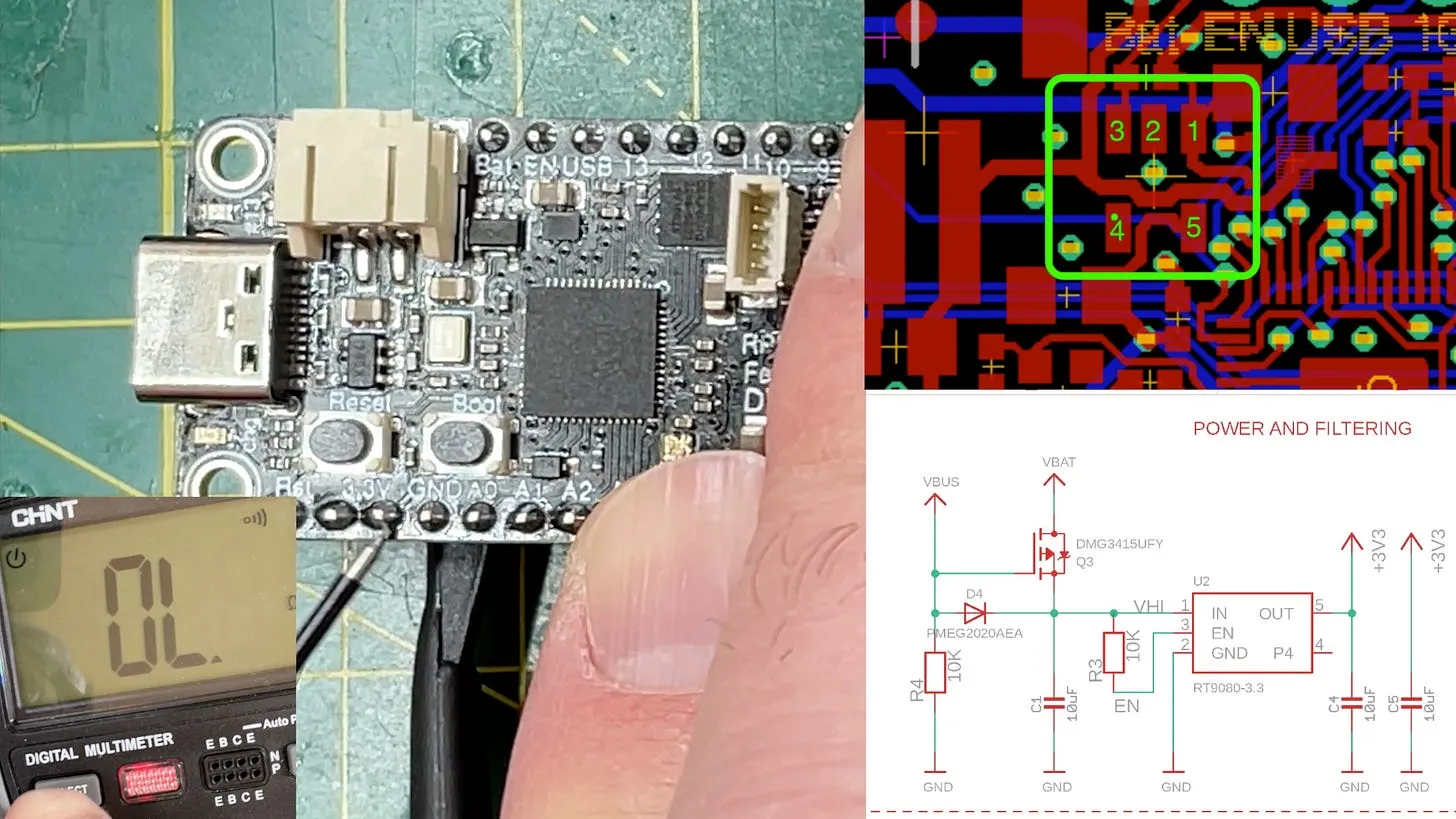
Probing the voltage regulator, my suspicion was raised when I found that the enable pin was also a dead short to ground.
So I removed the pin. This was a bit of a pain due to all the plastic components surrounding the part, so I had to add quite a lot of protection from the hot air gun.
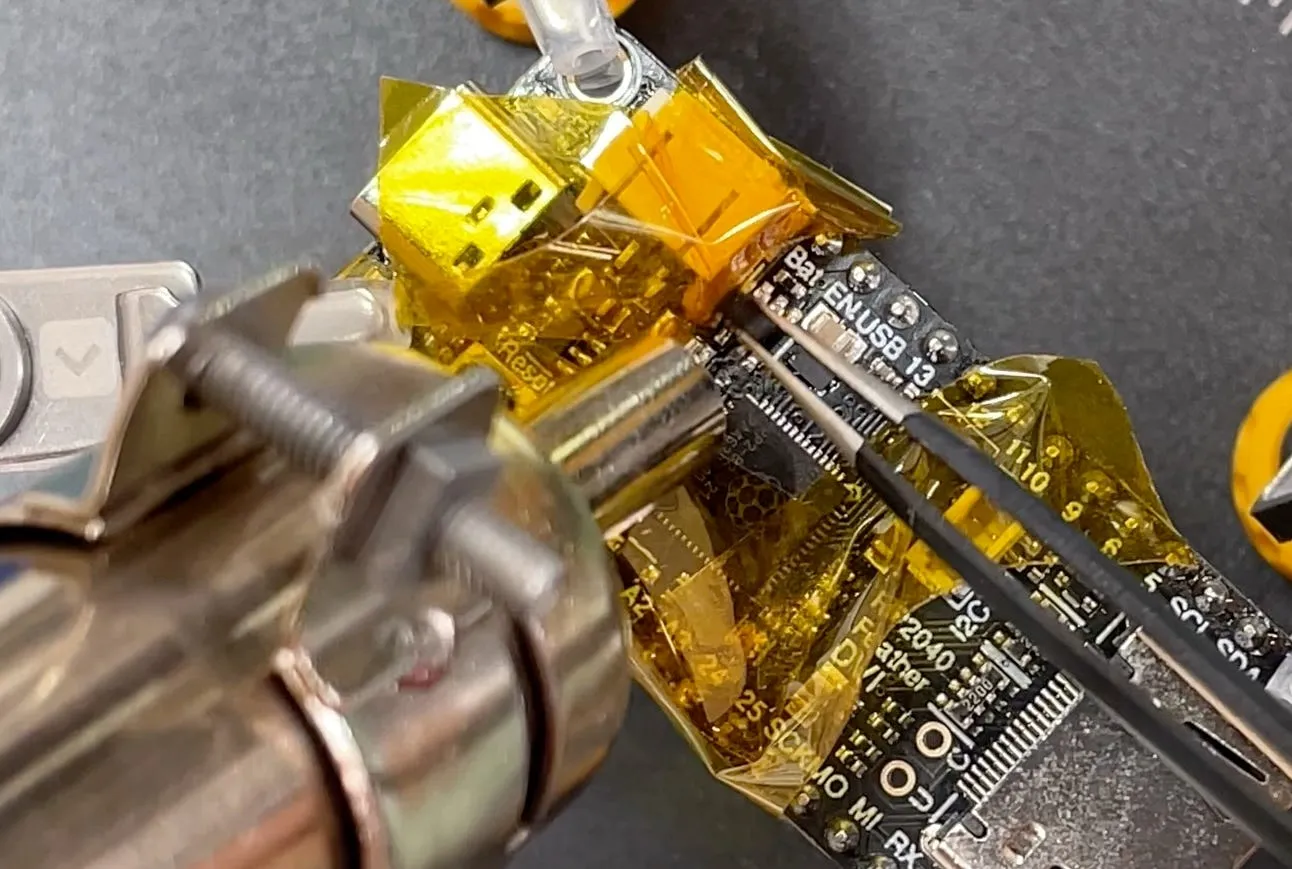
And with the dead IC removed I was able to solder on a little 3V3 regulator board.
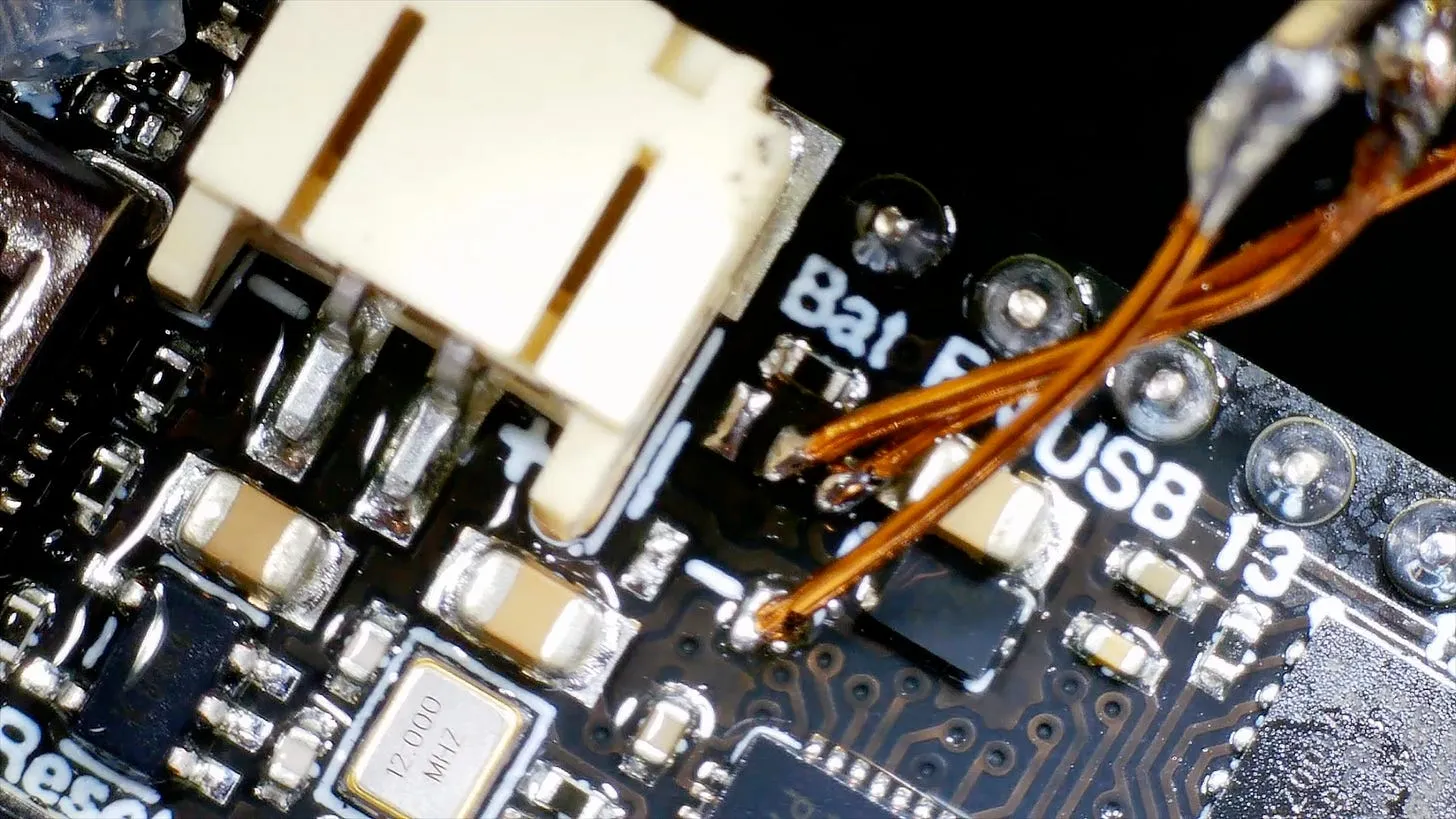
With the new regulator soldered on, everything sprang back into life. I’ve changed the resolution I was trying to get out of the board and now things seem to be a lot more stable. I’m still not sure why the voltage regulator died - it’s a bit of a mystery…
But I now have everything working nicely with an SD Card and output going to the DVI.